

You are building a wallet UI, a portfolio tracker, or a token explorer. The feature list looks great, until you realize you need logos. Chain logos for the network selector, token logos for every balance row, native currency icons for the gas display. The usual approach is scraping images from GitHub repos, CoinGecko, or random CDNs. The result: inconsistent sizes, broken links after upstream changes, and hours lost on something that should be trivial.
Tatum maintains a public CDN with SVG chain logos for 77+ blockchain networks and PNG token logos for thousands of tokens across 9 major chains. Chain logos require no API key at all. Token logos come back automatically in the Data API response when you query token metadata.
Here is how to use both.
Two types of logos
Before writing any code, pick the logo type that matches the row on screen.
Chain logos represent the blockchain network itself: Ethereum, Solana, Bitcoin, Polygon, and the rest of the set. They are SVG files served from a public CDN. No API key is needed. Use them for network selectors, chain badges, transaction history labels, and anywhere you identify a blockchain rather than a specific token.
Token logos represent individual tokens deployed on a chain: USDC, WETH, SHIB, and thousands more. They are PNG files. You can get them in two ways: from the logo field in the GET /v4/data/tokens API response, or by constructing the CDN URL directly if you already know the chain and contract address. Use token logos for balance views, token lists, swap interfaces, and portfolio breakdowns.
In many UIs you will need both at the same time: a token logo as the primary image with a small chain logo badge in the corner to show which network the token lives on.
Pick one
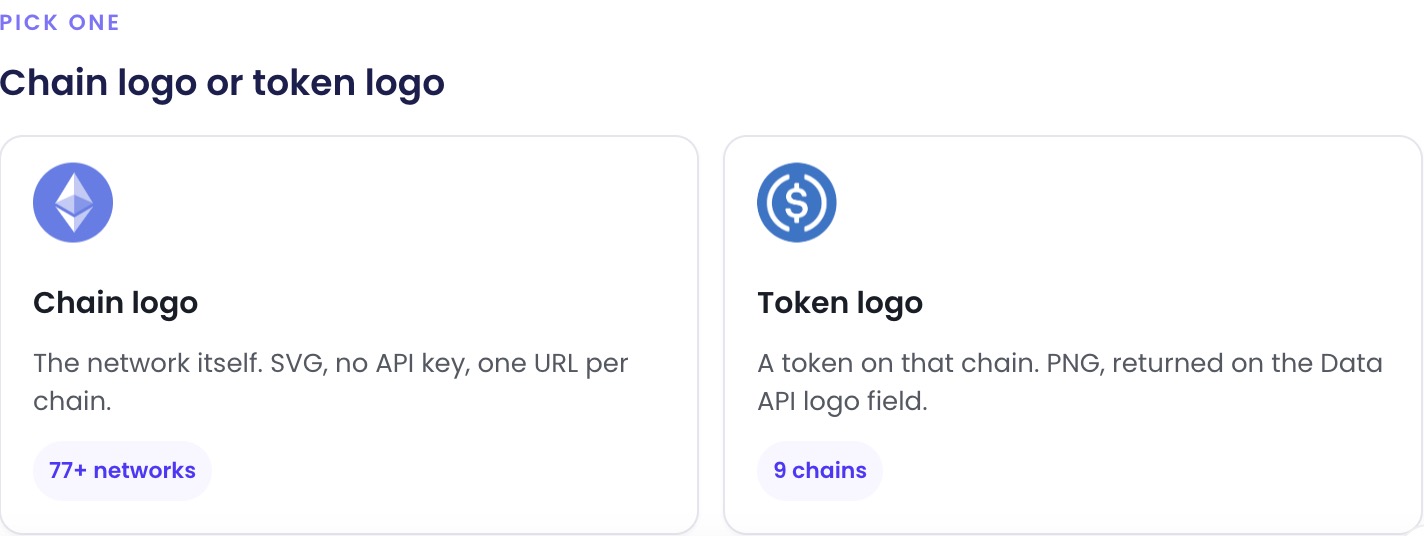
Chain logo or token logo

Chain logo
The network itself. SVG, no API key, one URL per chain.
77+ networks
Token logo
A token on that chain. PNG, returned on the Data API logo field.
9 chainsChain logos: one line of HTML
The URL pattern is predictable and stable:
Replace {slug} with the chain's lowercase, hyphenated name. For Ethereum it is ethereum, for Arbitrum One it is arbitrum-one, for Bitcoin Cash it is bitcoin-cash. The full list of all 77 slugs is in the Tatum docs.
A single icon in HTML:
A row of five chains:
Here is what that renders. Pick a chain and the URL updates with it.
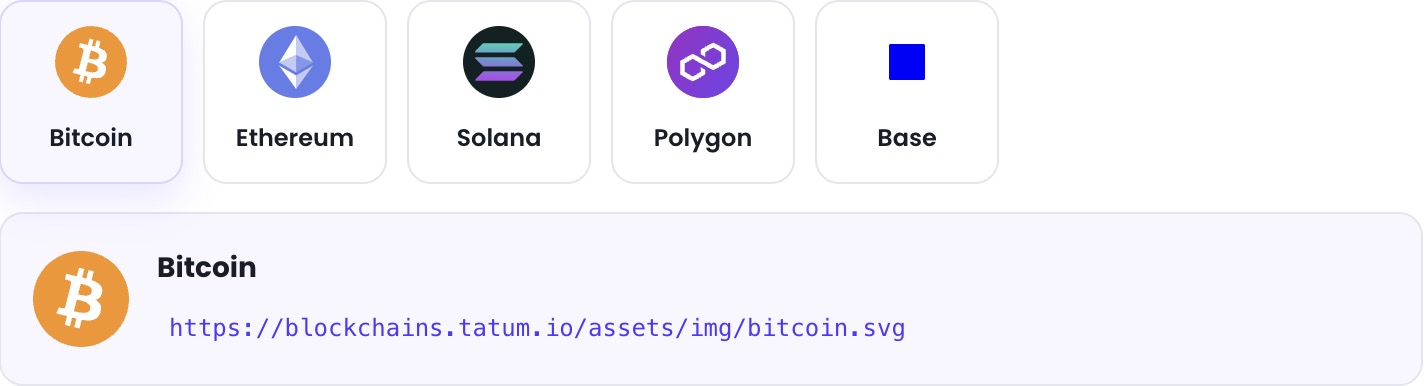

https://blockchains.tatum.io/assets/img/bitcoin.svg
https://blockchains.tatum.io/assets/img/ethereum.svg
https://blockchains.tatum.io/assets/img/solana.svg
https://blockchains.tatum.io/assets/img/polygon.svg
https://blockchains.tatum.io/assets/img/base.svgNo API key, no build step, no npm package. Because the files are SVGs, they scale to any size without losing quality: 16px favicons and 128px hero graphics from the same URL.
Token logos: API-powered
To get a token's logo along with its metadata, call GET /v4/data/tokens with the chain and contract address:
The response includes a logo field pointing to the CDN:
Render it directly:
The API supports 22 mainnet chains and 18 testnets (40 total). See the Tatum docs for the full list. Each call costs 20 credits, so if you are displaying dozens of tokens, cache the responses rather than calling per render.
If you already know the chain and contract address, you can skip the API call entirely and construct the CDN URL yourself: https://blockchains.tatum.io/assets/token-logos/{chain}/{address}.png. Nine chains have token logo coverage: Ethereum, Arbitrum One, Base, BNB Smart Chain, Celo, Monad, Optimism, Polygon, and Solana.
Not every token has a logo. Missing logos return a 404, so always implement a fallback image.
Build a mini token card
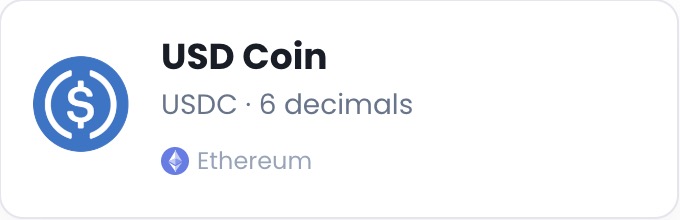
Here is a practical example that ties everything together. This HTML/CSS snippet renders a token info card combining the token logo, token metadata from the API, and a chain badge, all in copy-pasteable markup:
The result looks like this:
 Ethereum
The outer container uses flexbox to align the token logo on the left with the text block on the right. The token logo comes from the API's logo field (or the direct CDN URL). The text block shows the token name, symbol, and decimal count, all fields from the GET /v4/data/tokens response. At the bottom, a 14px chain logo SVG serves as a network badge next to the chain name. Swap the URLs and text values for any token on any supported chain to reuse this card pattern throughout your app.
Getting started
Chain logos are free and require no key. Start using them now: just drop an <img> tag into your HTML with the CDN URL pattern shown above.
For token logos and metadata, sign up for a free Tatum API key. The /v4/data/tokens endpoint gives you the logo URL, name, symbol, decimals, and supply in a single call.
Full reference material:
- Blockchain & Token Logos docs, including the complete 77-chain slug table, all supported chains for the API, native currency logos, and React code examples.
GET /v4/data/tokensAPI reference, with request parameters, response schema, and error codes.